In Ellipsus, there are two places you can write: the main document and drafts. The document is the main version of a work, while drafts are distinct branches contained inside of that document.
When you create a new document, you will start in a blank editor without any drafts. You can write directly in the main document, or create a new draft and work there.
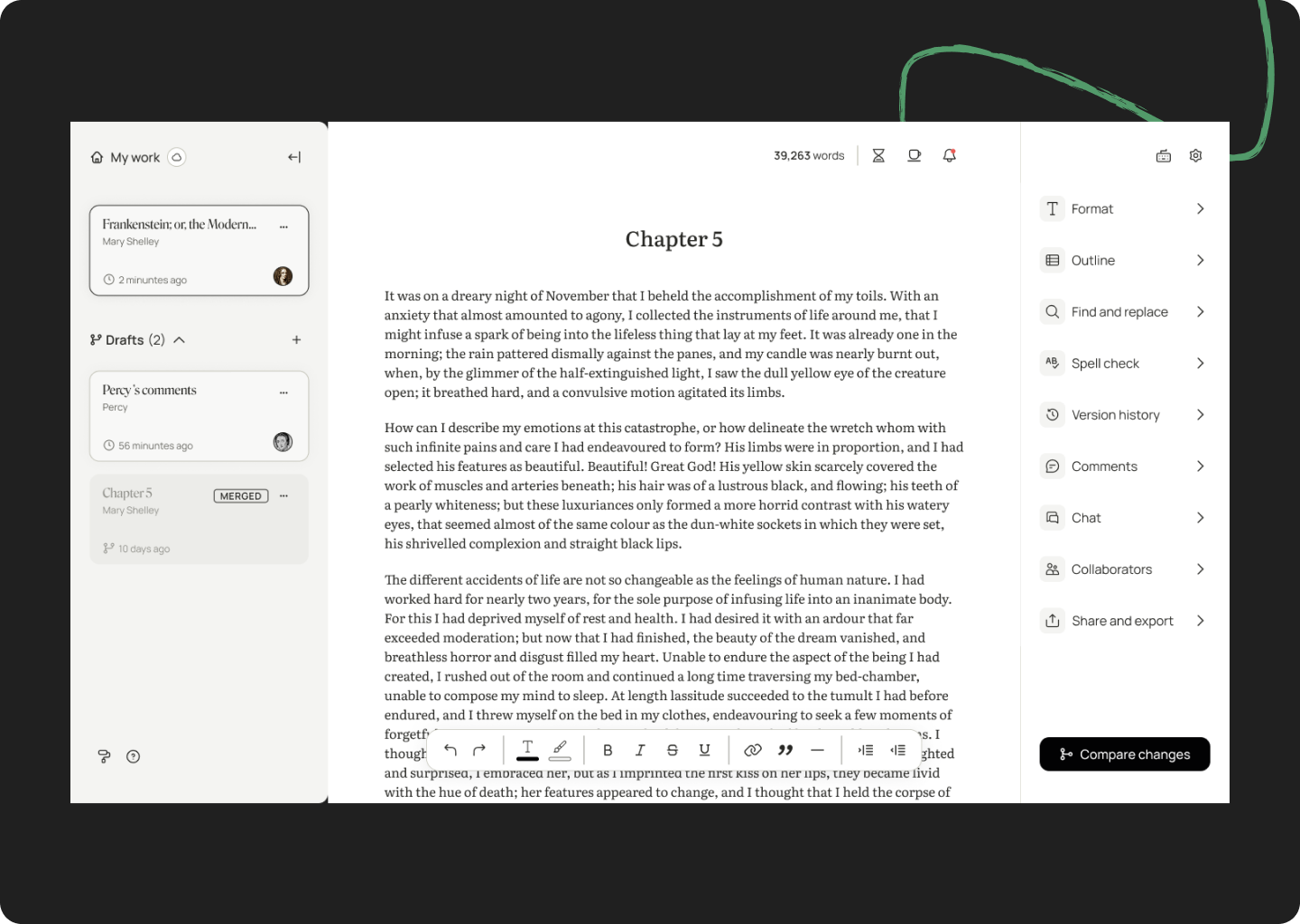
What is a draft?
A draft is a copy of your current document. They do not automatically update with new changes to the main document or other drafts, and can be edited without impacting the contents of other drafts or the main document.
You can use drafts to:
Test edits without affecting your main work
Brainstorm multiple versions of a scene or chapter
Co-write, beta-read, edit, and collect feedback
Keep notes or alternate versions in line
You don’t need to merge drafts back into the main document—many Ellipsus writers use them as separate working spaces.
Creating a draft
To create a draft:
Select Create new draft at the bottom of the right-hand sidebar, and give your draft a clear name.
Or, click the three dots on your document card and select New draft.
Your draft will copy over the current version of the main document. From there, you can make edits, overhaul entire sections, or start from scratch—the choice is yours! Create as many drafts as you need to work out your ideas.
Note: There are no limits to the number of documents or drafts you can have in Ellipsus.
Was this article helpful?
That’s Great!
Thank you for your feedback
Sorry! We couldn't be helpful
Thank you for your feedback
Feedback sent
We appreciate your effort and will try to fix the article